5
0

🔥 About the Game
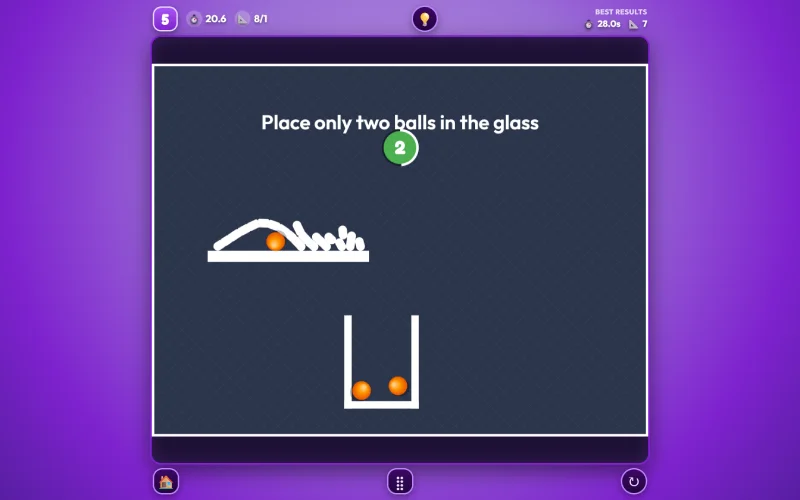
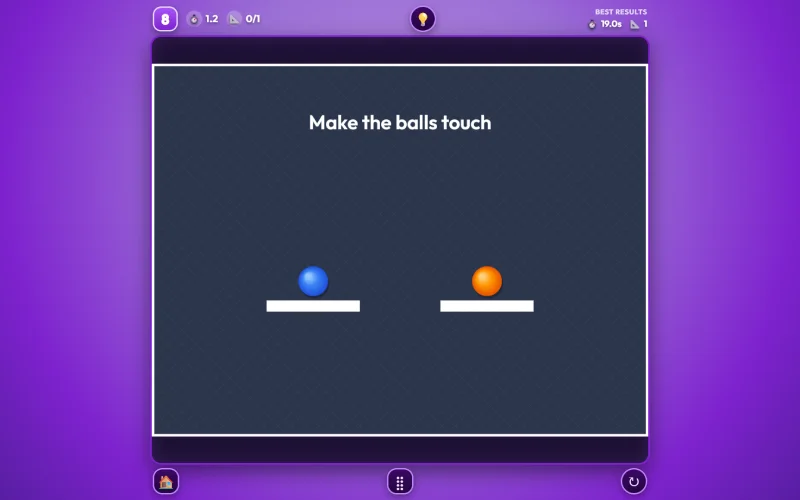
Brain Lines is a physics-based puzzle game where the only tool you get is your own imagination. Draw a line, a ramp, a lever, or a counterweight anywhere on the screen, and it instantly becomes a real physical object with actual gravity, weight, and friction acting on it. Your job across 10 levels is to figure out exactly what shape will solve each puzzle, whether that means rolling a ball into a goal zone, balancing a seesaw, or knocking down a row of dominoes.
What Makes This Game Unique
Most puzzle games give you a fixed set of pieces to work with. Brain Lines doesn't — you draw your own solution from scratch every time. The game runs on real rigid-body physics (built with Matter.js and Poly-Decomp), so anything you draw gets converted into an accurate physical shape the instant you finish drawing it, whether that's a simple straight ramp or a complex curved barrier. That means there's rarely just one "correct" answer — if your shape gets the job done, it works, which makes this brain line game feel more like a sandbox than a scripted puzzle.
Gameplay Overview
Each of the 10 levels gives you a specific goal shown at the top of the screen, like getting a ball to hit a wall or land inside a container. From there, it's up to you to draw the right object in the right place to make it happen. Once you let go of the mouse or lift your finger, gravity takes over immediately, so watching your shape play out is half the fun. Since you only get one shape per attempt, thinking through the physics before you draw matters more than trial and error.
Game Features
- Real-time rigid body physics — every shape you draw is instantly converted into an accurate physical object with real gravity, mass, and friction
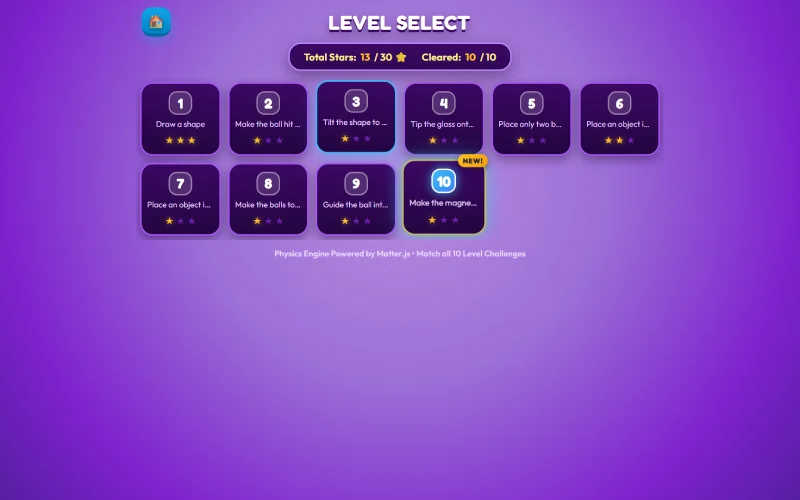
- 10 brain-teaser levels — a mix of ball-rolling goals, magnetic sphere puzzles, seesaw balancing, and multi-stage domino setups
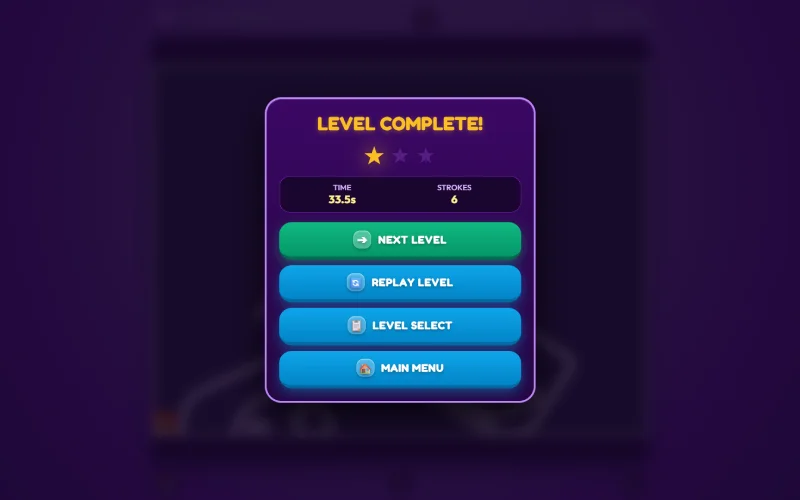
- 3-star efficiency scoring — earn up to 3 stars per level based on how fast you solve it and how few strokes you use
- Unlimited visual hints — pull up a hint at any point if you get stuck, with no limit on how often you use it
- Auto-saving progress — your level completions save automatically, so you can close the game and pick up right where you left off
- Cross-platform controls — fully responsive for desktop, tablet, and mobile
How to Play Brain Lines
- Read the goal shown at the top of the screen for that level (for example, "guide the ball into the glass").
- Click and drag with your mouse, or drag your finger on touch devices, to draw your shape directly on the stage.
- Release your click or lift your finger to drop the shape into the physics simulation and watch gravity take effect.
- Stay out of the red restricted zones and avoid drawing directly on top of the balls — that's against the rules of each puzzle.
- Once the goal is met, you'll earn a star rating and the next level unlocks.
Goal
Solve all 10 levels by drawing the right shapes to guide balls, balance objects, and trigger chain reactions, aiming for a 3-star rating on each one through faster, more efficient solutions.
Replayability: Because there's rarely one "correct" shape for a level, and the star rating rewards speed and efficiency, Brain Lines gives you a real reason to go back and try a cleaner solution even after a level's already solved.
Controls
Desktop:
- Left click + drag to draw a shape
- Release the click to drop it into the simulation
- Use the on-screen buttons to restart, pause, view hints, or open the level select menu
Mobile & Tablet:
- One-finger drag to draw a stroke
- Release your touch to finalize the shape
- Tap to interact with menus and buttons
How It's Different
Unlike puzzle games that hand you pre-made pieces, Brain Lines is built entirely around freehand drawing and real physics. There's no single script for how a level is meant to be solved — any shape that gets the job done counts, which puts the emphasis on creative problem-solving rather than memorizing a fixed solution.
Conclusion
Brain Lines turns simple freehand drawing into a real physics playground. With 10 levels that reward creative thinking, a 3-star scoring system for players who want to optimize their solutions, and unlimited hints for anyone who gets stuck, it's built to be approachable for casual players while still giving puzzle fans something to master.
FAQs
Yes, levels unlock in sequence — you'll need to complete each one before the next becomes available.
No, each attempt is a single shape — once you release your drawing, it's locked into the physics simulation, so it pays to plan your shape before you draw it.
No, the visual hint system is free and unlimited, so you can pull one up as many times as you need without any penalty.
Yes, your completed levels and star ratings save automatically, so you can close the game and continue later without losing progress.
Yes, since it's browser-based with no installs required, this brain lines unblocked game typically runs fine on school and office networks.
Drawing is blocked in red restricted zones and directly on top of balls, since that would bypass the intended puzzle challenge.
On desktop, click and drag with your mouse to draw. On mobile and tablet, drag with one finger — both release automatically to drop your shape into the simulation.