
0
0


🔥 About the Game
House Painter is a free logic puzzle where you cover every wall of a house with fresh paint. The house painter game gives you a sponge, a countdown, and a plain wall to fill. Finish the job, then spend your coins to grow a small city of your own.
What Makes This Game Unique
Most painting games stop once the wall is colored. Here, the painting pays for something bigger.
Every cleared house earns coins. You then use them in My City, where you build and upgrade houses across the map.
Game Features
- 25 house levels, each with its own countdown
- Houses with several sides that you paint one at a time
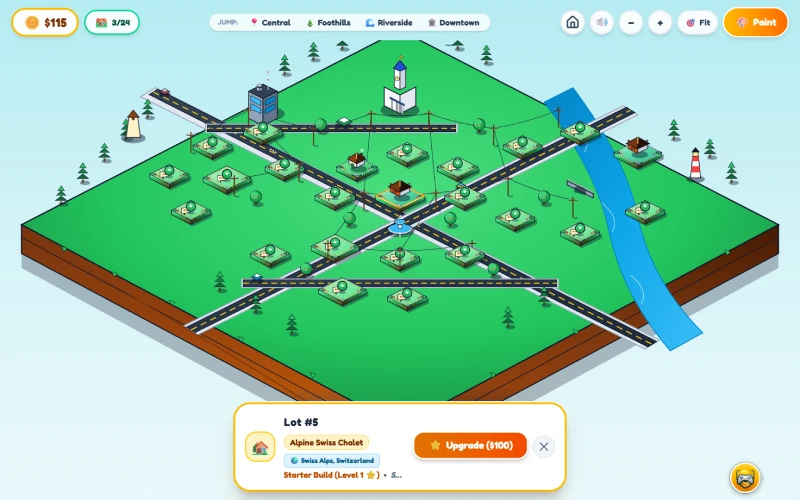
- A My City mode with districts such as Central, Foothills, Riverside, and Downtown
- Building and upgrading options for lots across the city
- Zoom controls and a Fit button to view the whole map
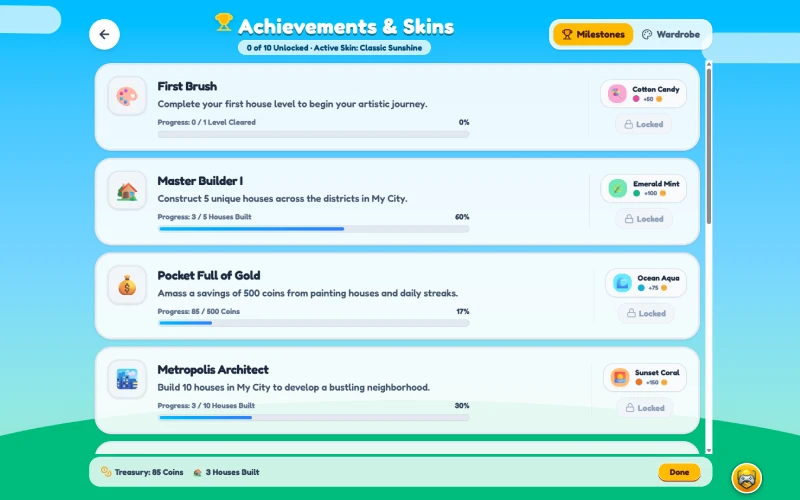
- A Wardrobe with sponge skins like Classic Sunshine, Ruby Blaze, Neon Cyber, and Rainbow Prism
- A setting to paint house walls in your equipped skin color
- Achievements such as First Brush, City Tycoon, and Millionaire Painter
- Daily rewards for logging in
How to Play House Painter
You can start House Painter online in seconds. Here is how a level works:
- Pick a level. Choose a house from the level screen.
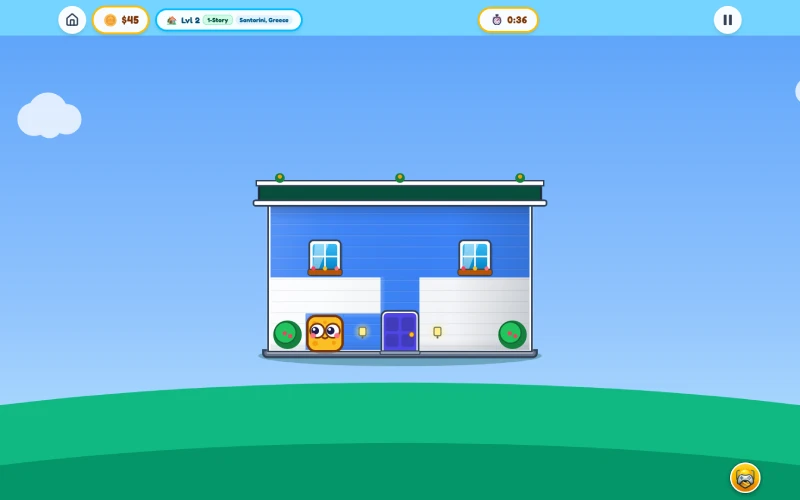
- Move the sponge. It paints each tile it passes over.
- Cover the whole wall. Leave no bare spots.
- Turn the house. After a wall is done, the house rotates to the next side.
- Finish every side. The level ends when the house is fully painted.
Plan your route before you start. A smooth path across the tiles saves time, and wasted backtracking costs seconds.
Goal
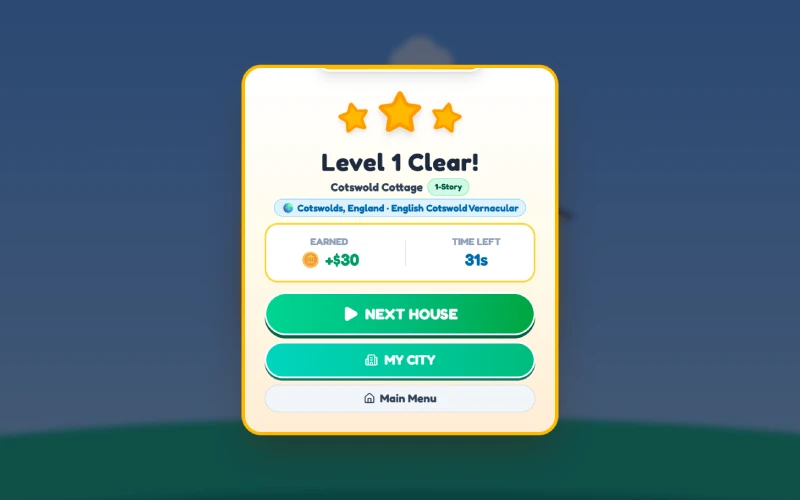
Your goal is to paint every wall before the timer hits zero. A finished house shows a "House Painted!" screen with your coin reward and the time you had left.
If time runs out, a "Time's Up!" screen shows your painted percentage. You can then retry the level or head back to the menu.
Building Your City
Coins turn into real progress in My City. Tap any lot to inspect it, build a house, or upgrade one you already own.
Upgrades reward steady play. Some achievements ask you to upgrade built houses to the Enhanced Estate level, so your city keeps growing alongside your skills.
Skins and Rewards
The Wardrobe adds a personal touch. Some sponge skins unlock through coins, while others come from achievements.
The Daily screen offers free coins each time you log in. It is an easy way to fund your next building project.
Controls
Desktop
- Click and drag to paint across the tiles
- Arrow keys or W, A, S, D move the sponge, and holding a key keeps it moving
- R key restarts the current level
- Pause button stops the countdown
Mobile & Tablet
- Touch and drag to paint across the wall
- Swipe to move the sponge when your finger starts outside the house
- Tap the pause button to stop the timer
FAQs
Yes. You can play the house painter game free, right in your browser.
The house turns to show the next wall. You keep going until every side is painted.
Yes. Press R on a keyboard, or choose Restart Level from the pause menu.
Spend them in My City to build and upgrade houses. You can also use coins to unlock sponge skins.
Only if you turn it on. The Wardrobe has a toggle that paints walls in your equipped skin color.