0
0

🔥 About the Game
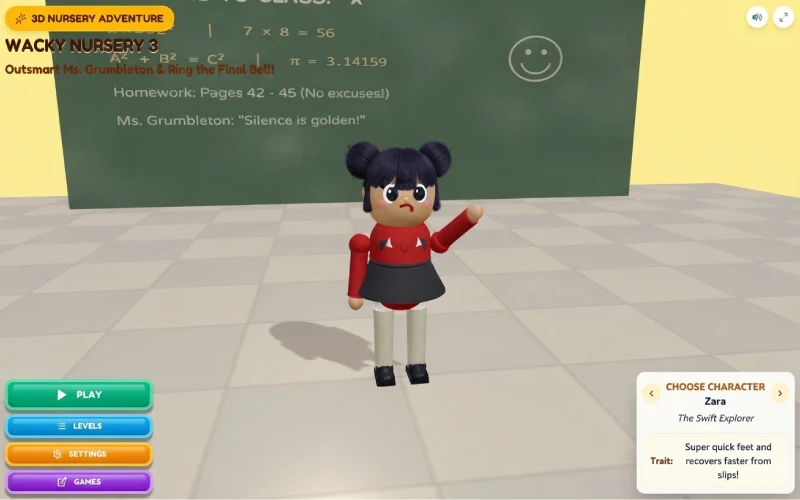
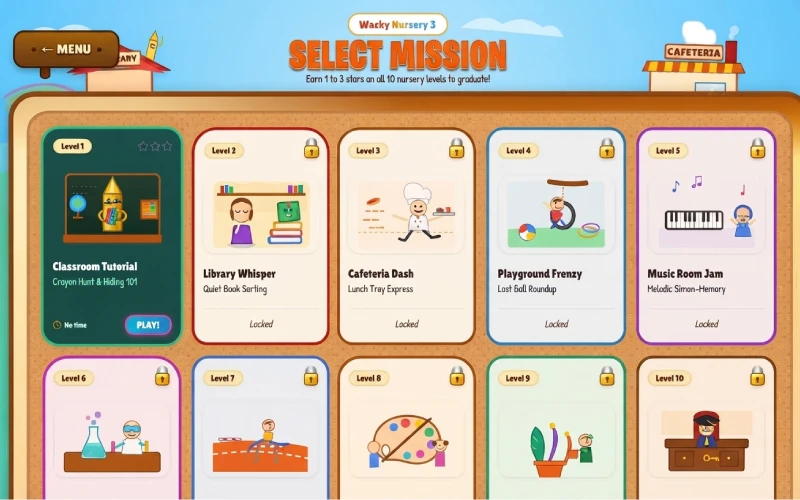
Wacky Nursery 3 drops you into a school full of hiding spots, sneaky shortcuts, and one very watchful teacher. Across 10 missions, you dash through classrooms, hallways, and specialty rooms while staying one step ahead of Ms. Grumbleton.
This isn't a simple run-and-collect game, though. Every room asks for a different skill, from quiet stealth to quick reflexes to a bit of puzzle-solving.
What Makes This Game Unique
Three playable characters each bring their own edge to the mission. Milo throws paper balls farther, Zara moves with super quick feet, and Leo tiptoes with 30% less noise.
Because every room type is different, no two missions feel alike. One level has you memorizing a musical note sequence, and another has you mixing potions or pushing crates onto pressure pads.
Gameplay Overview
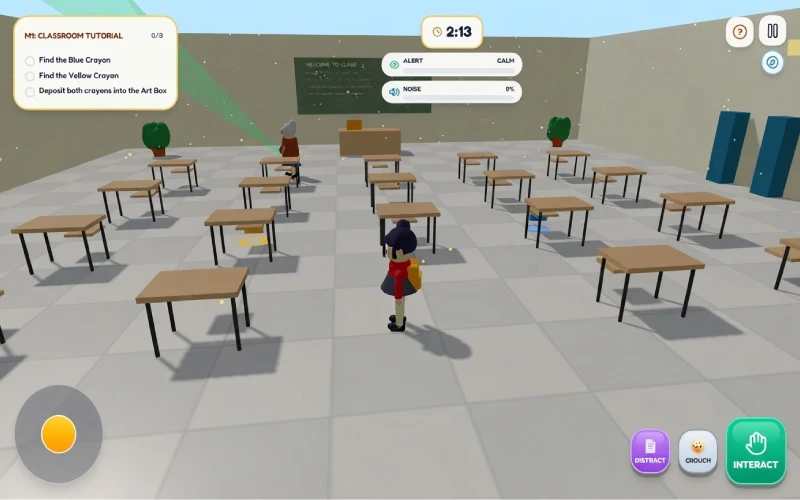
You move through 3D rooms using WASD or the arrow keys, with the mouse controlling your camera. Sneaking around Ms. Grumbleton means managing your noise, since running attracts her attention fast.
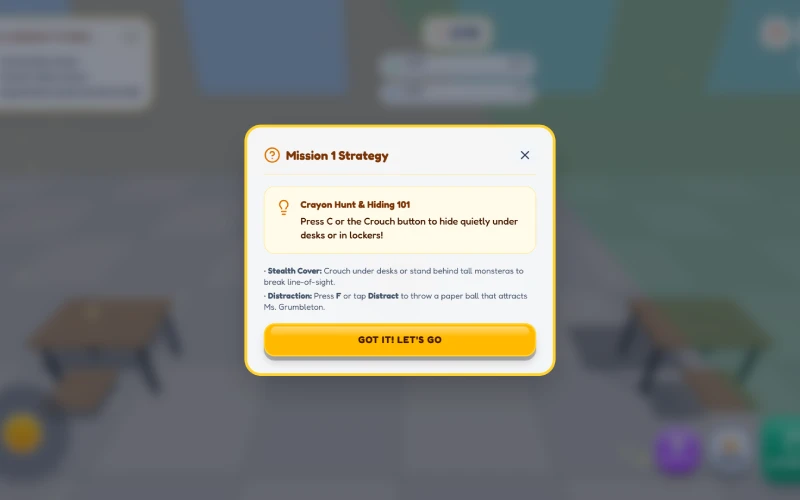
When she gets close, you have options. Crouch to hide under desks and inside lockers, duck behind tall plants, or throw a paper ball to pull her toward the sound instead of you.
Some missions skip the teacher entirely and focus on a different challenge, like a course of balance beams and spring pads, or a color-matching puzzle in the science lab.
Game Features
- 10 distinct missions across rooms like the Library, Cafeteria, Gymnasium, and Principal's Office
- 3 playable characters, each with a unique stealth trait
- A Noise Meter and a patrolling teacher in most missions
- A crouch-to-hide mechanic and a throwable paper ball distraction
- Timed levels with a two-tier star rating on each one
- On-screen virtual joystick and touch buttons for mobile play
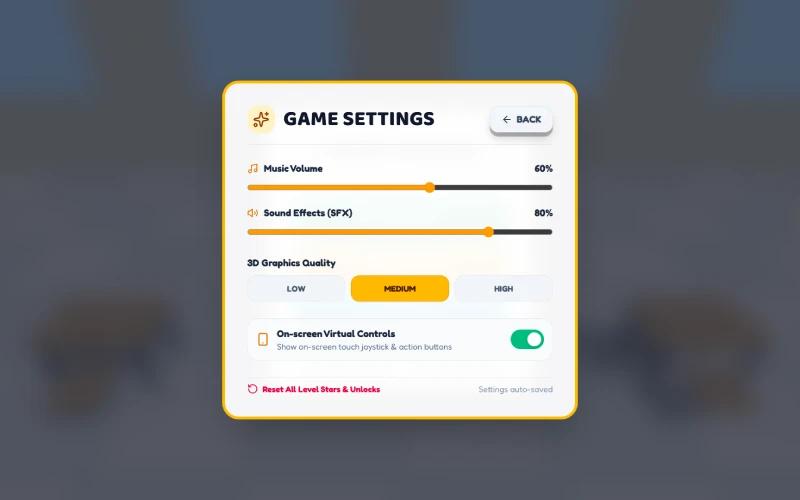
- Adjustable graphics quality and control sensitivity
How to Play Wacky Nursery 3
- Choose Milo, Zara, or Leo from the character select screen.
- Pick a mission and read its objectives before you start moving.
- Walk or crouch through the room to complete each objective, whether that's collecting crayons, returning books, or delivering lunch trays.
- Watch for Ms. Grumbleton's patrol path. Crouch, hide, or throw a paper ball if she gets close.
- Finish every objective on the list before the timer runs out.
Goal
Your goal in each mission is simple: finish every objective on the list before time expires. In several rooms, that also means keeping the Noise Meter under control and avoiding Ms. Grumbleton's line of sight.
Clear a mission and the next one unlocks. Work your way from the Classroom Tutorial all the way to the final Principal's Desk escape.
Replayability
Every mission uses star thresholds tied to your finishing time, so a faster clean run earns a better rating. That gives you a reason to return to earlier missions once you've learned the room.
You can also switch characters between attempts. Since each one has a different stealth trait, the same mission can play out a little differently depending on who you pick.
Controls
Desktop
- WASD or Arrow keys to move
- Mouse to look around
- C to crouch and hide
- F to throw a paper ball
- Shift to sprint
Mobile & Tablet
- On-screen virtual joystick to move
- Touch buttons for crouch, sprint, and throwing a paper ball
- Drag on screen to look around
FAQs
There are 10 missions, each set in a different part of the school, from the Classroom to the Principal's Office.
No. Most missions include Ms. Grumbleton, but a few, like the Playground and Gym missions, focus on other challenges instead.
Press F on desktop or tap the Distract button on mobile to throw a paper ball that pulls her attention away from you.
Yes. Milo throws paper balls farther, Zara moves faster, and Leo makes 30% less noise while sneaking.
Yes. The game includes an on-screen virtual joystick and touch buttons, so it works on mobile and tablet as well as desktop.