0
0

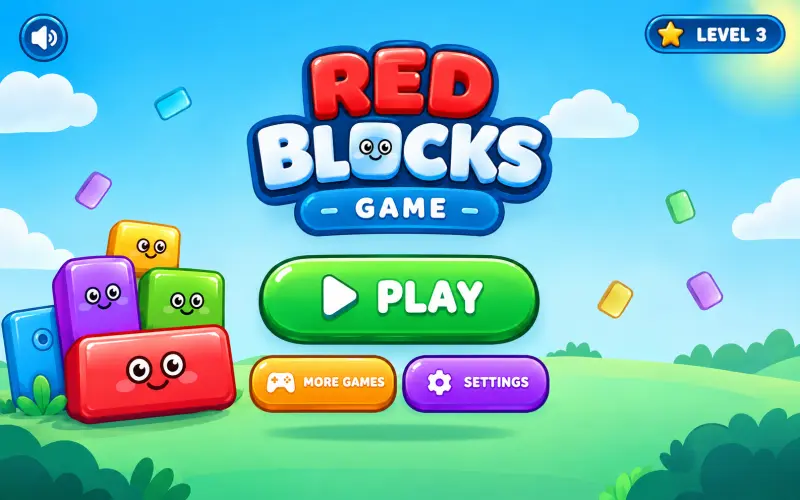
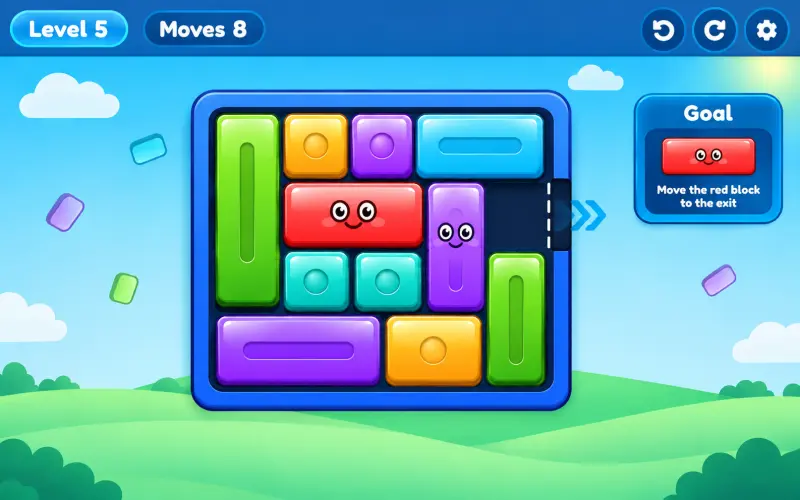
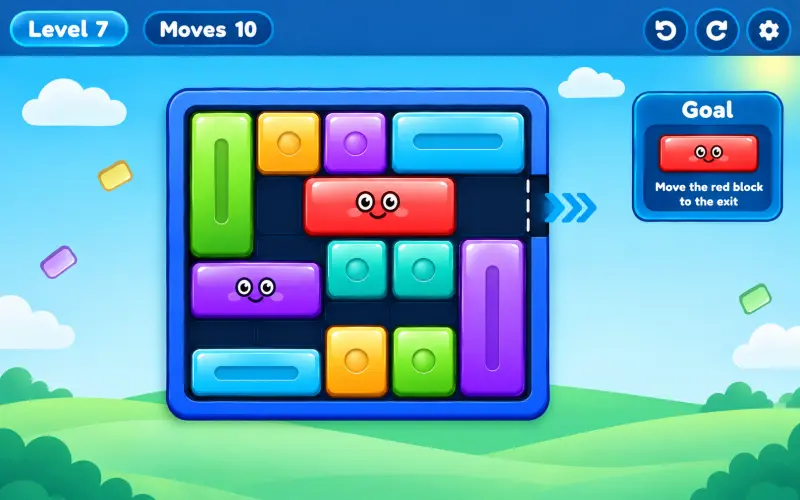
🔥 About the Game
Red blocks game online puts one goal in front of you: slide the red block clear of a packed grid. Every level fills a 4×4 or 5×5 board with colored blocks, and only careful sliding opens up the exit.
The blocks only move in straight lines, so nothing here comes down to luck. Every level is a logic puzzle you work out one careful slide at a time.
What Makes This Game Unique
Each block in this red blocks game only slides along the direction it's placed, horizontal blocks move left and right, vertical blocks move up and down. That one rule is simple to learn, yet it's enough to build 50 puzzles that range from a gentle warm-up to a genuine head-scratcher.
The move counter also gives every level a second layer. Beyond just solving the puzzle, you can chase a lower move count for a better star result.
Game Features
- 50 levels across five difficulty tiers: Tutorial, Easy, Medium, Hard, and Expert
- 4×4 and 5×5 grid sizes
- A move counter on every level
- A star rating based on how efficiently you solve each puzzle
- Undo and Restart buttons for quick corrections
- Saved progress, so cleared levels and stars stick around
- Sound effects you can turn on or off in Settings
How to Play Red Blocks Game
- Open the level map and select any unlocked level.
- Look at the grid and find the red block along with the exit lane.
- Drag the other blocks along their fixed direction, horizontal or vertical, to clear a path.
- Slide the red block through the opening and out of the grid.
- Clear the level to unlock the next one on the map.
Goal
Your goal on every level is to slide the red block out of the grid using as few moves as possible. Fewer moves earn you a higher star rating, so it pays to plan your path before you start sliding blocks around.
Work through all five difficulty tiers, from Tutorial through Expert, to clear all 50 levels.
Replayability
Since your star rating depends on your move count, a level you've already solved is still worth another look if you think you can clear it more efficiently. The game keeps your best result, so every replay is a fresh shot at three stars.
With 50 levels spread across five difficulty tiers, there's a steady climb in challenge from the first tutorial puzzle to the expert-level boards near the end.
Controls
Desktop
- Click and drag a block along its fixed direction to move it.
- Click Undo to take back your last move.
- Click Restart to reset the level.
Mobile & Tablet
- Touch and drag a block along its fixed direction to move it.
- Tap Undo to take back your last move.
- Tap Restart to reset the level.
FAQs
No. Each block is fixed to either horizontal or vertical movement, and it can only slide along that one line.
Stars are based on your move count, so solving a level in fewer moves earns you a better star rating.
Tap Undo to take back your last move, or use Restart if you want to reset the whole board and start over.
There are 50 levels split across five difficulty tiers: Tutorial, Easy, Medium, Hard, and Expert.
Yes. Cleared levels and your star ratings save automatically, so you can pick up where you left off.