0
0


🔥 About the Game
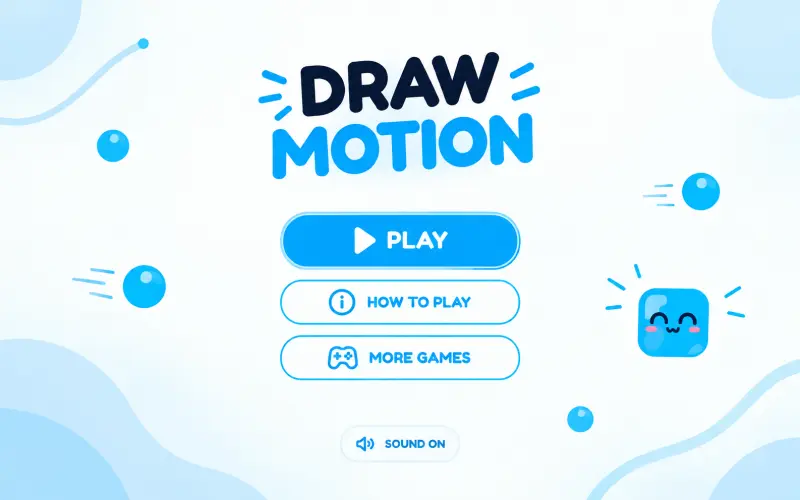
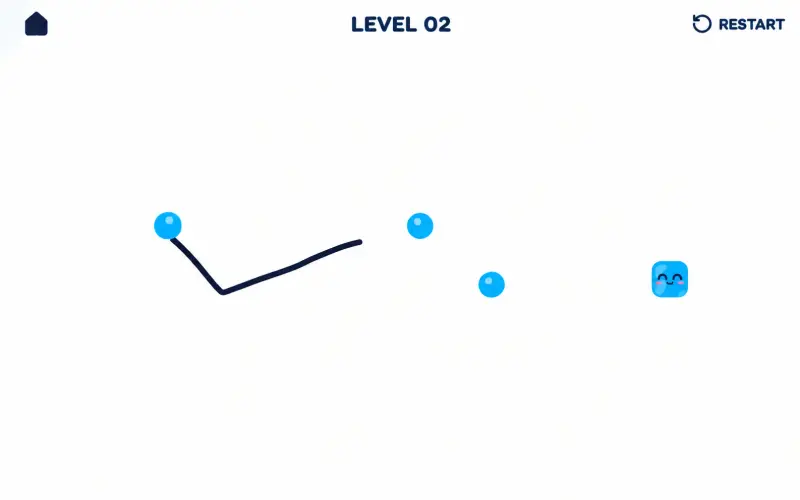
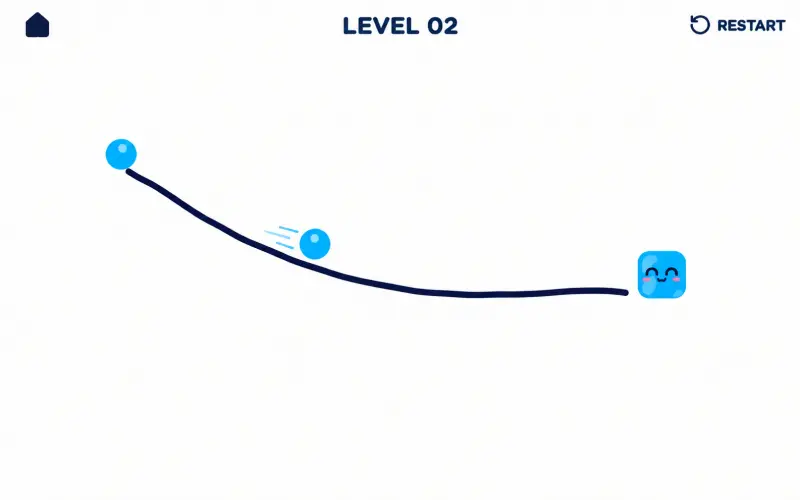
Draw Motion is a logic puzzle where a single line decides everything. You sketch a shape, let go, and watch it glide across the screen. The Draw Motion game turns simple doodling into a test of planning and precision.
What Makes This Game Unique
Most puzzle games hand you pieces to move around. Here, you create the moving piece yourself.
The shape you draw follows its own path and repeats its curves as it travels. A gentle wave behaves very differently from a sharp zigzag, so every stroke changes the result.
Game Features
- 25 hand-built levels, from "First Glide" to "Master Glide"
- Simple one-stroke drawing with no tools to learn
- Blue targets to collect and black hazards to avoid
- Levels that grow from a single target to six
- A built-in "How to Play" screen for new players
- Sound effects with an on/off toggle
How to Play Draw Motion
Playing Draw Motion online takes only a few seconds to learn. Follow these steps:
- Draw a shape. Press and drag anywhere on the board to sketch a line.
- Release. Let go to send your shape on its way.
- Hit every blue target. The moving shape must touch each one.
- Dodge the black dots. Touching one ends the attempt.
Early levels reward simple lines. Later on, you will need arches, waves, and looping curves to weave through tighter layouts.
Goal
Your goal is to collect every blue target in the level with one drawn shape. The level ends the moment you collect the last one.
If your shape hits a black dot, you fail and can try again. You also fail if it drifts off the board before collecting every target.
Replayability
The early levels are quick, but the later ones ask for real thought. A stroke that misses by a small margin often works after a slight adjustment.
You can also try different shapes on the same level. A tall curve and a low wave may both solve it, and testing each approach is half the fun.
Controls
Desktop
- Click and drag with your mouse to draw
- Release the button to start the motion
- R key restarts the current level
- Esc key returns you to the level menu
Mobile & Tablet
- Touch and drag with your finger to draw
- Lift your finger to launch the shape
- Tap the Restart button at the top of the screen to try again
FAQs
No. Any line you draw works, whether it is a wave, an arch, or a zigzag.
The attempt fails if you have not collected every target. You can retry right away.
Yes. The main menu has a sound toggle that switches audio on or off.
Yes. Tap "How to Play" on the main menu for a short visual guide to the four basic steps.
Yes. Use the Restart button at the top of the level, or press R on a keyboard.